A calmer,
more organized
family life.
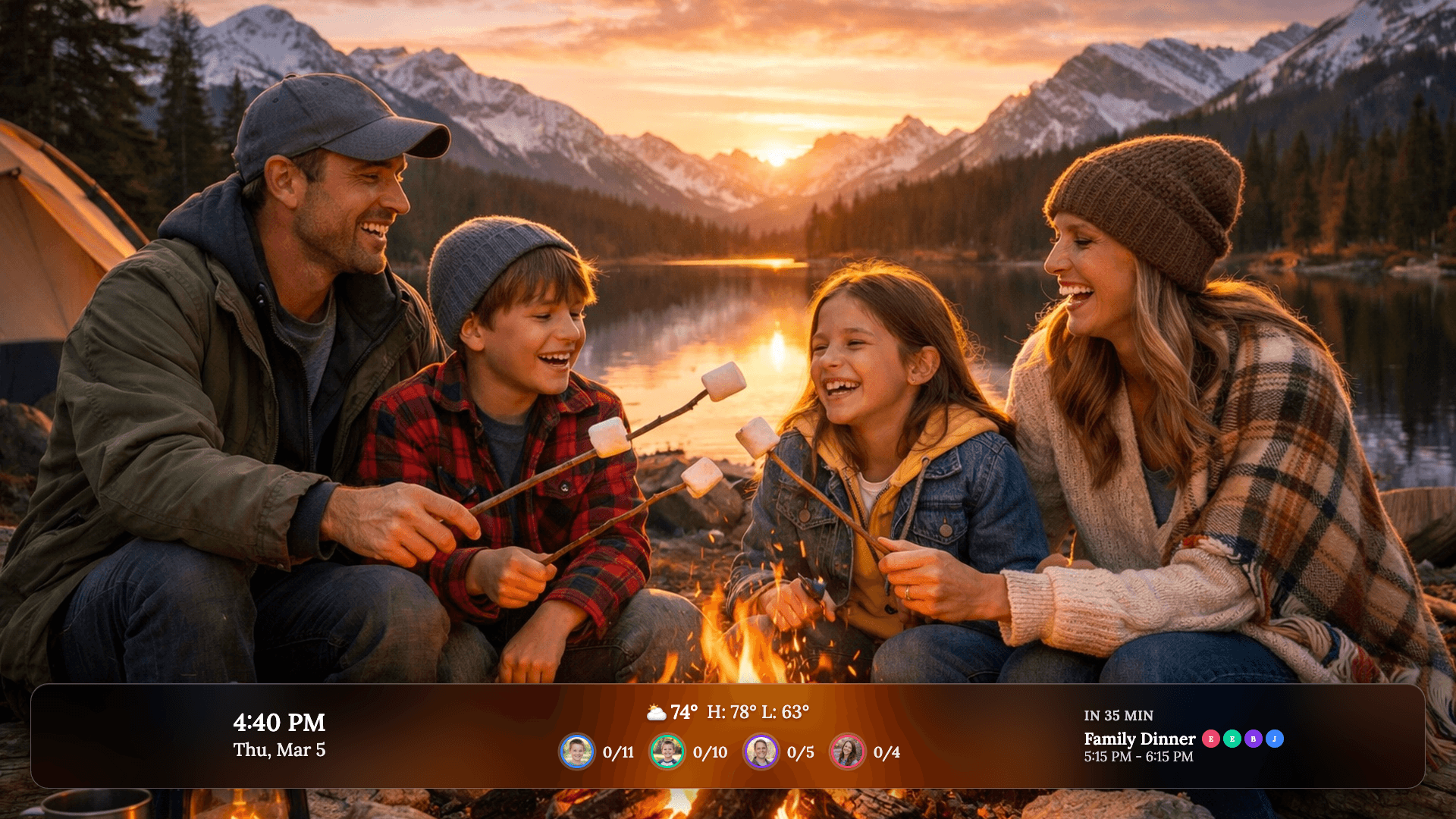
Luana puts your kids’ routines, the family’s calendar, and a slideshow of the people you love right on your TV. So days can breathe again.




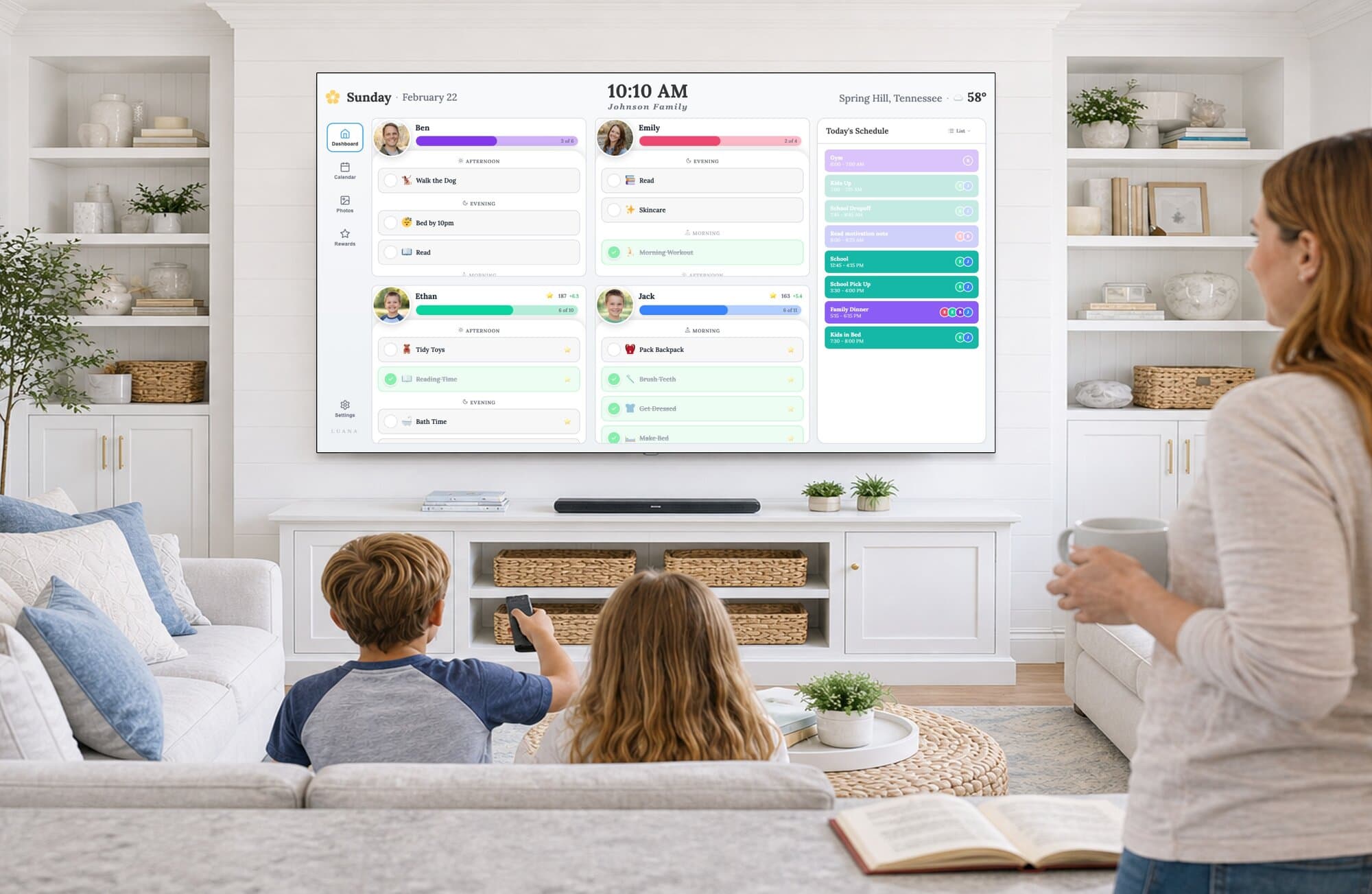
“Before Luana, staying organized was a second job. Now it’s just part of our day.”
You don’t need another tablet on the counter. You need everyone to know what’s happening, without you having to say it.
Luana is a Hawaiian word. It means to be content, relaxed, and happy. And that’s the home we’re trying to help families create.
It also means graceful warrior and we thought that sounded a lot like you.

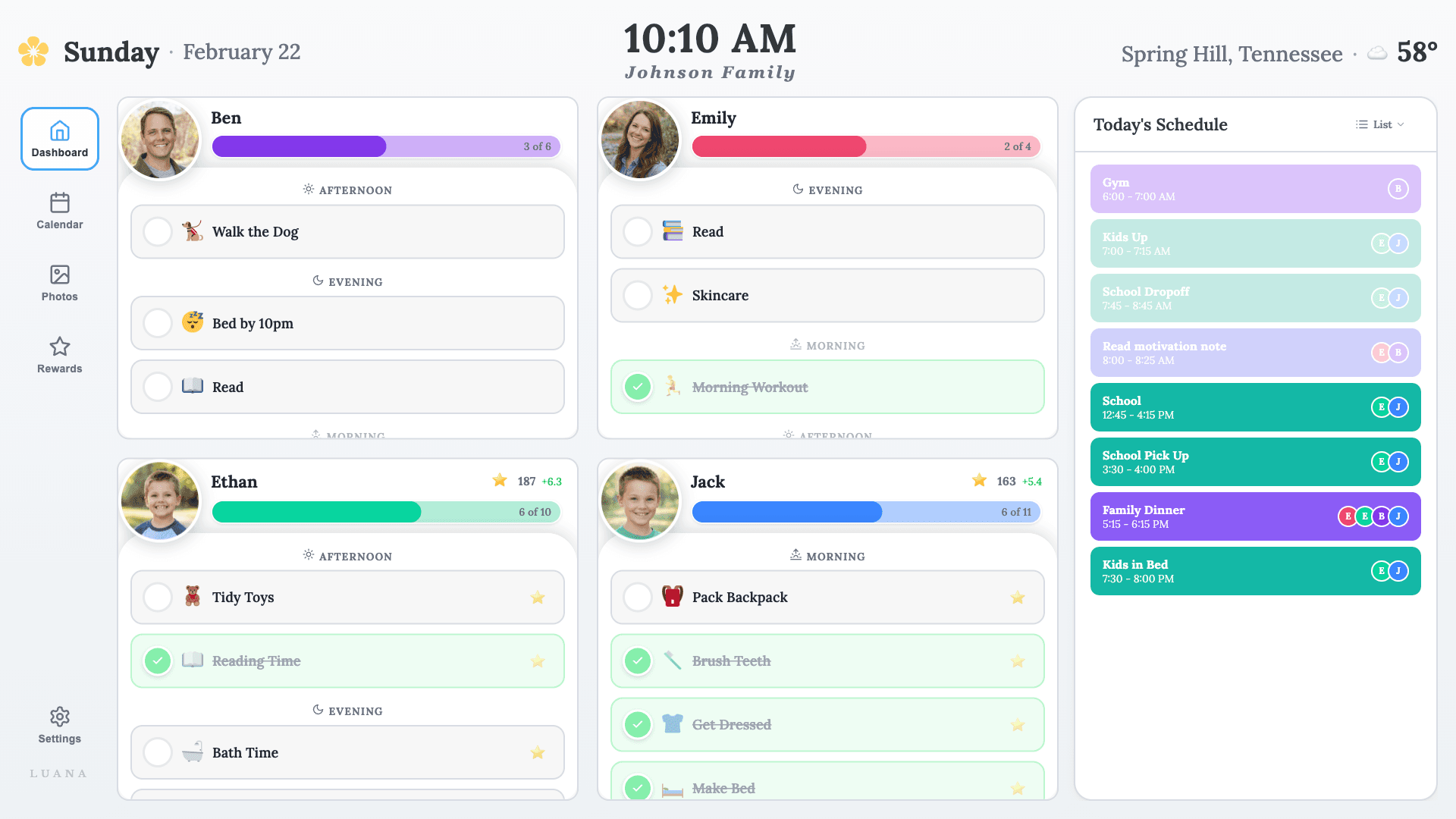
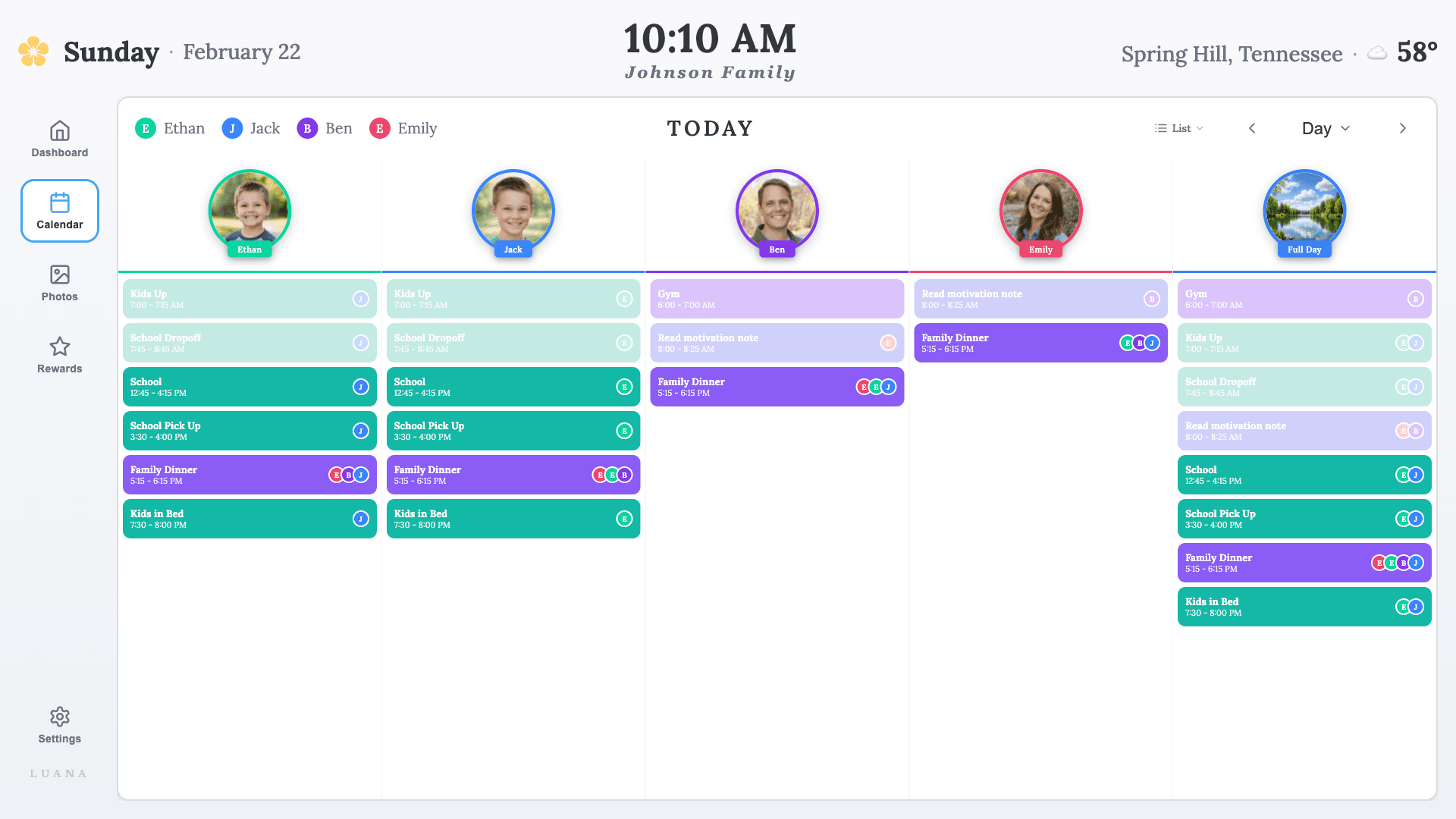
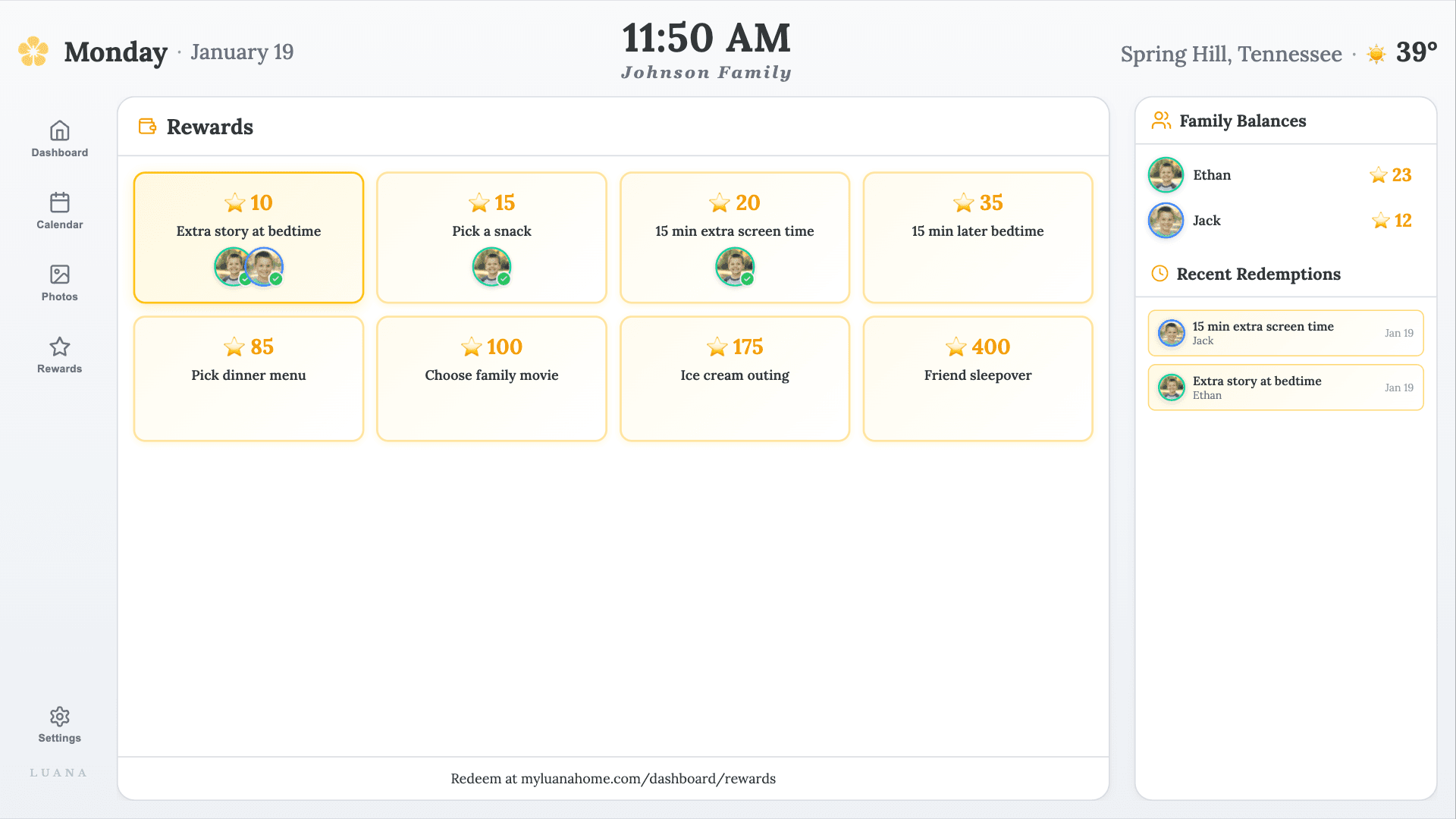
Routines. Calendar. Rewards.
On the screen already on your wall.
No tablet to mount. No counter to clear. No new device for the family to figure out. Just an app on your TV that does the reminding for you.
You shouldn’t need a $600 tablet to remember soccer practice.
Other family calendars start with “first, buy our $600 device.” Luana starts with “turn on the TV.”
Pricing per public sites · August 2026. Skylight Calendar 27″ ($599.99) + $79/yr Plus subscription. Hearth Display 27″ ($699) + $86.40/yr (annual) subscription.
“I’m bragging to my brother-in-law that I’m getting the same features he is getting with Skylight for $550 less!”
With Luana, there’s no need to worry about…
- Mounting it on the wall
- Hiding power cords
- A step stool for the little ones to reach
- Wiping sticky fingerprints off the screen
- Finding an outlet for the short power cord
Just use the TV you already have.
What other families are saying.
“An absolute game changer. So much cheaper than buying the other types out there — it all works on the TV we already have.”
“It easily displays on our TV in the busiest traffic area of our home, so all can see it. My kids are now motivated to establish healthy patterns.”
“My kids are learning responsibility. I love how much more proactive they are. Awarding bonus stars when they go above and beyond has helped me focus on the positives instead of calling out the negatives.”
“I don’t have to keep reminding my kids what they are supposed to be doing.”
And from the kids.
“I cut down on my screen time because I want to save up for other prizes.”
“You don’t forget what you’re doing today because it’s right in front of you!”
About the price of a happy meal per month.

All your family members and TVs. Routines, calendar, rewards, and the family slideshow when the TV is idle. We don’t hide features behind a higher tier.
- ✓14-day free trial
- ✓No credit card to start
- ✓Cancel anytime
- ✓All your family members and TVs
Some things families need shouldn't cost anything
Family life runs on invisible work, and we think the basics of organizing it should be free for everyone. These tools work without an account, whether or not you ever try Luana.
Live calendars for 59 school districts. Every break, holiday, and early-release day, checked against official sources, free to subscribe on your phone or TV.
Printable, age-appropriate chore charts built in seconds. Pick an age, get a chart the fridge will be proud of.
A calmer,
more organized family life.
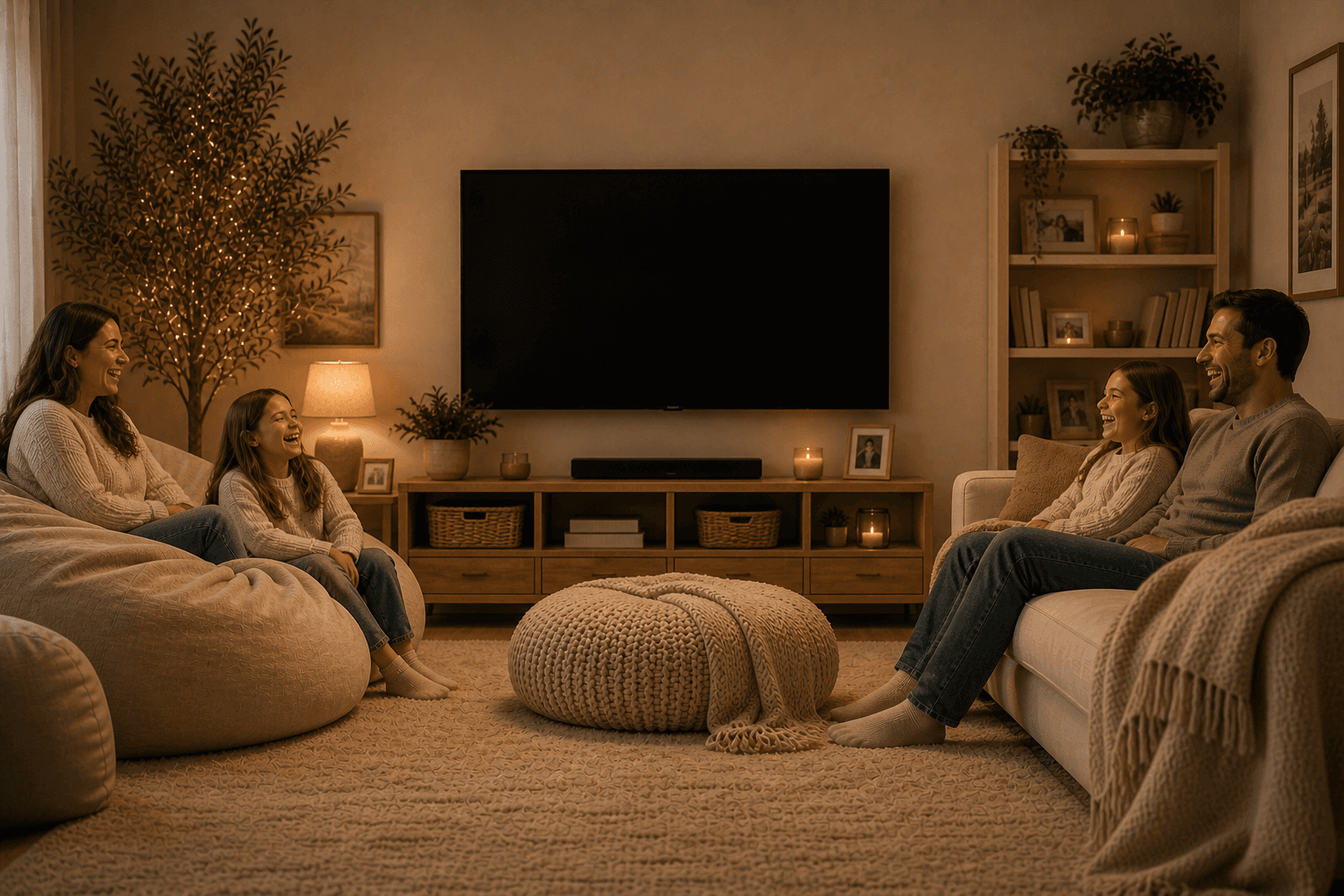
Luana puts your kids’ routines, the family’s calendar, and a slideshow of the people you love right on your TV. So days can breathe again.
“Before Luana, staying organized was a second job. Now it’s just part of our day.”
You don’t need another tablet on the counter. You need everyone to know what’s happening, without you having to say it.
Luana is a Hawaiian word. It means to be content, relaxed, and happy. And that’s the home we’re trying to help families create.
It also means graceful warrior and we thought that sounded a lot like you.
Routines. Calendar. Rewards.
On the screen already on your wall.
No tablet to mount. No counter to clear. Just an app on your TV that does the reminding for you.
You shouldn’t need a $600 tablet to remember soccer practice.
“I’m bragging to my brother-in-law that I’m getting the same features he is getting with Skylight for $550 less!”
With Luana, there’s no need to worry about…
- Mounting it on the wall
- Hiding power cords
- A step stool to reach
- Wiping sticky fingerprints
- Finding an outlet
Just use the TV you already have.
Pricing per public sites · August 2026. Skylight 27″ ($599.99) + $79/yr Plus. Hearth Display 27″ ($699) + $86.40/yr.
What other families are saying.
“An absolute game changer. So much cheaper than buying the other types out there — it all works on the TV we already have.”
“It easily displays on our TV in the busiest traffic area of our home, so all can see it. My kids are now motivated to establish healthy patterns.”
“My kids are learning responsibility. I love how much more proactive they are. Awarding bonus stars when they go above and beyond has helped me focus on the positives instead of calling out the negatives.”
“I don’t have to keep reminding my kids what they are supposed to be doing.”
And from the kids.
“I cut down on my screen time because I want to save up for other prizes.”
“You don’t forget what you’re doing today because it’s right in front of you!”
About the price of a happy meal per month.
- ✓14-day free trial
- ✓No credit card to start
- ✓Cancel anytime
- ✓All your family members and TVs
Some things families need shouldn't cost anything
Family life runs on invisible work, and we think the basics of organizing it should be free for everyone. These tools work without an account, whether or not you ever try Luana.