Syncs with:
Google CalendarAppleOutlook
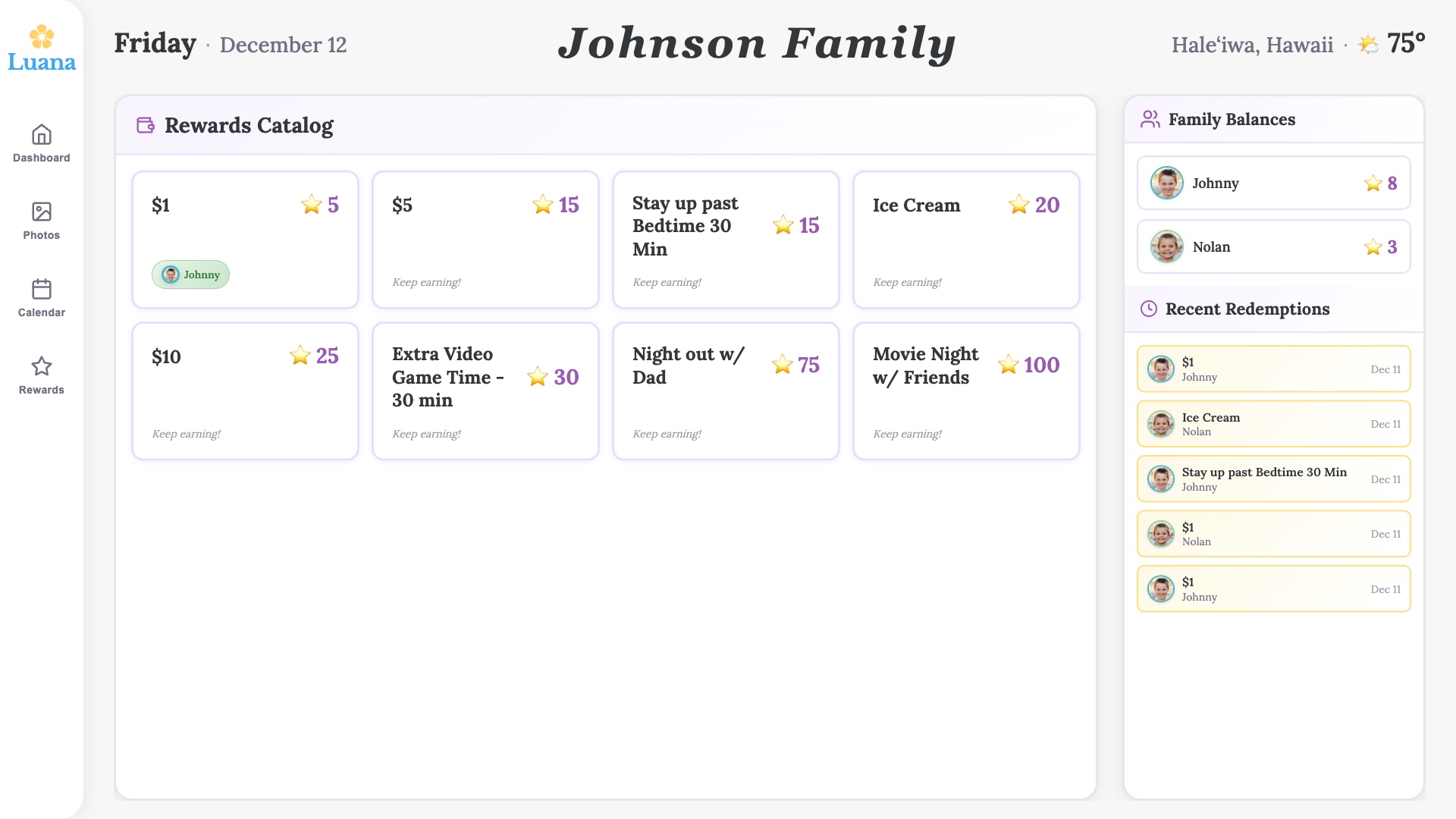
Routines They'll Actually Follow
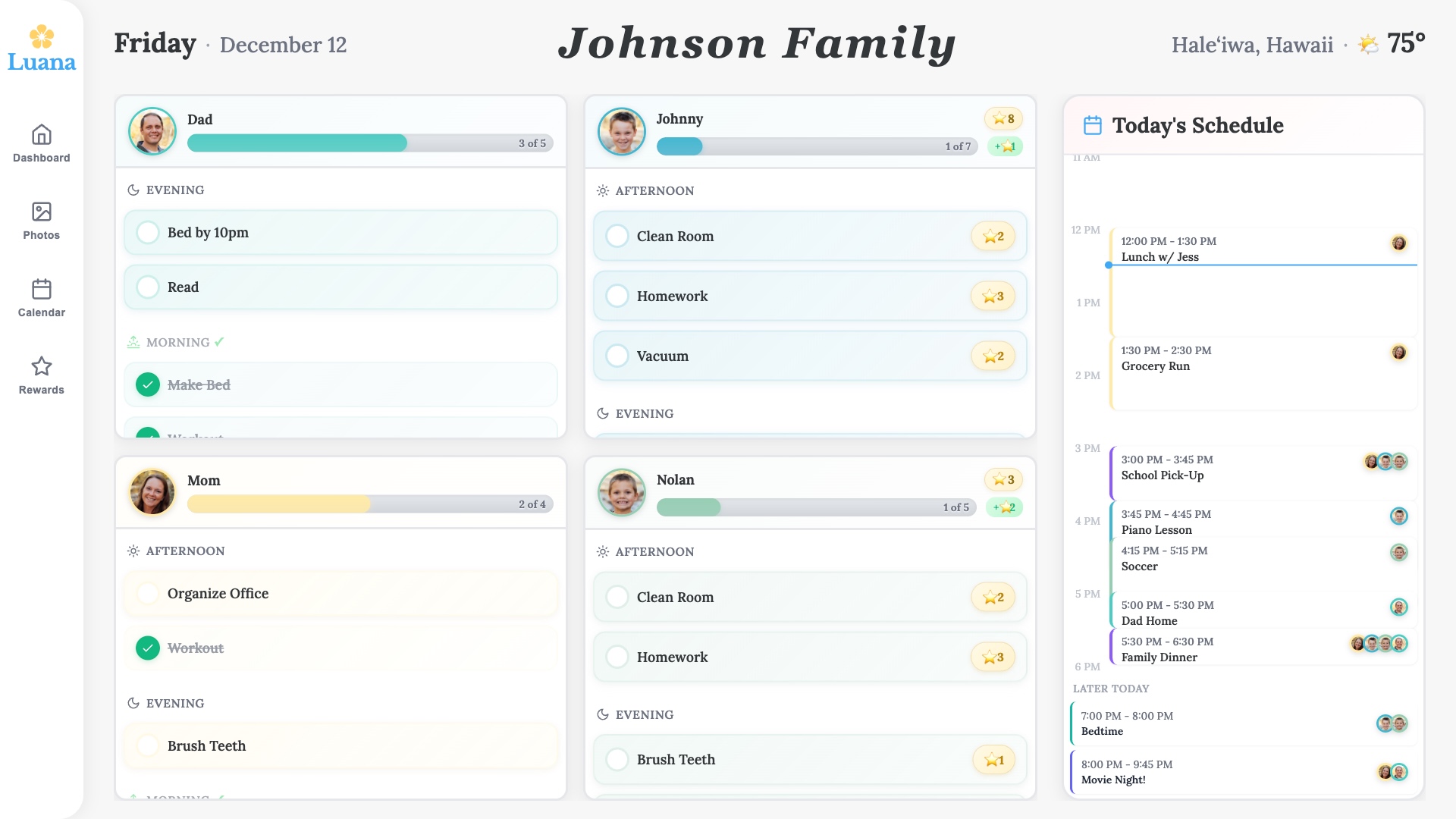
Visual checklists displayed on the TV. Kids check off tasks with a tap—brush teeth, pack backpack, make bed. No more nagging.
- Morning, after-school, and bedtime routines
- Satisfying animations when tasks complete
- Track progress across the whole family
The Calendar Everyone Can See
Sync your Google Calendar and display today's events on the TV. Soccer practice at 4pm? Dentist appointment? Everyone knows without asking.
- Syncs with Google, Apple, and Outlook
- Color-coded by family member
- Updates automatically throughout the day
A Digital Frame That Does More
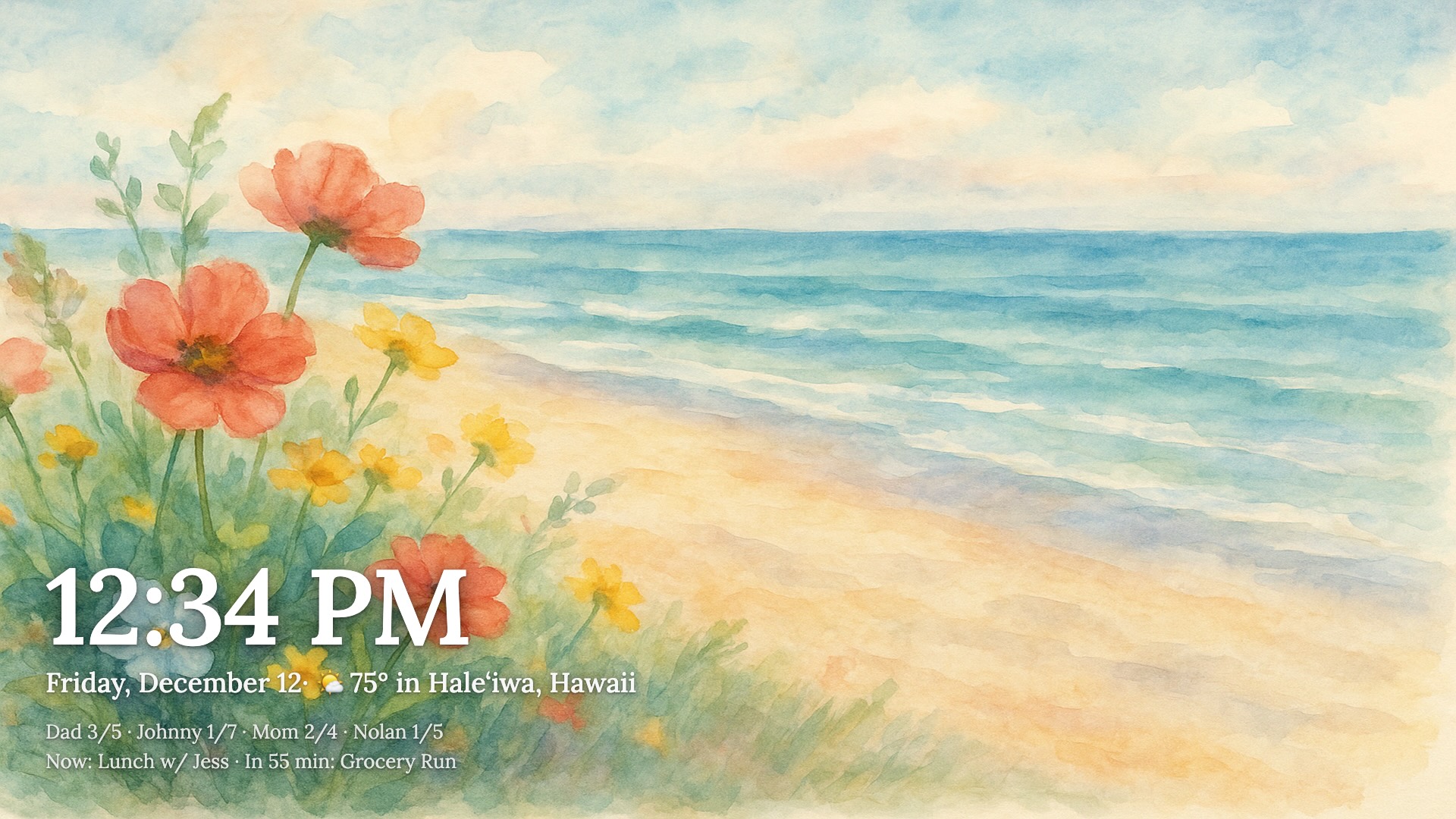
When idle, your TV displays family photos. It's a digital frame that actually helps run your household—not just decorates it.
- Upload photos from your phone
- Smooth slideshow transitions
- Wakes up when you need it
Up and Running in Minutes
No complicated setup. No extra hardware. Just sign up and go.
1
Create your account
Sign up and add your family members. Takes about 2 minutes.
2
Set up routines
Build morning, evening, or custom routines with our simple editor.
3
Display on your TV
Open Luana Home on your TV's browser or Samsung app. That's it.